
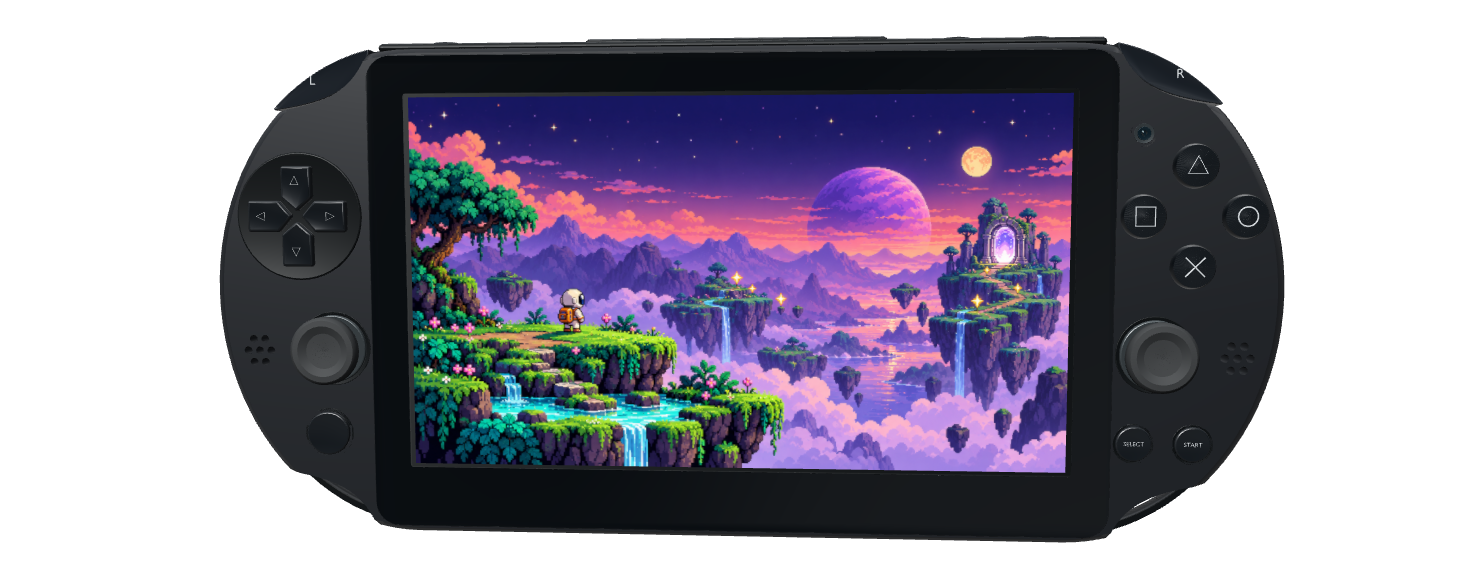
Classic handhelds
PSP · PS Vita
 AirBuild
A new game for your favorite handheld. A custom dashboard for your M5Stack . Build games and GUI apps for the hardware you love with AirBuild and PocketJS.
Join the AirBuild waitlist to get started.
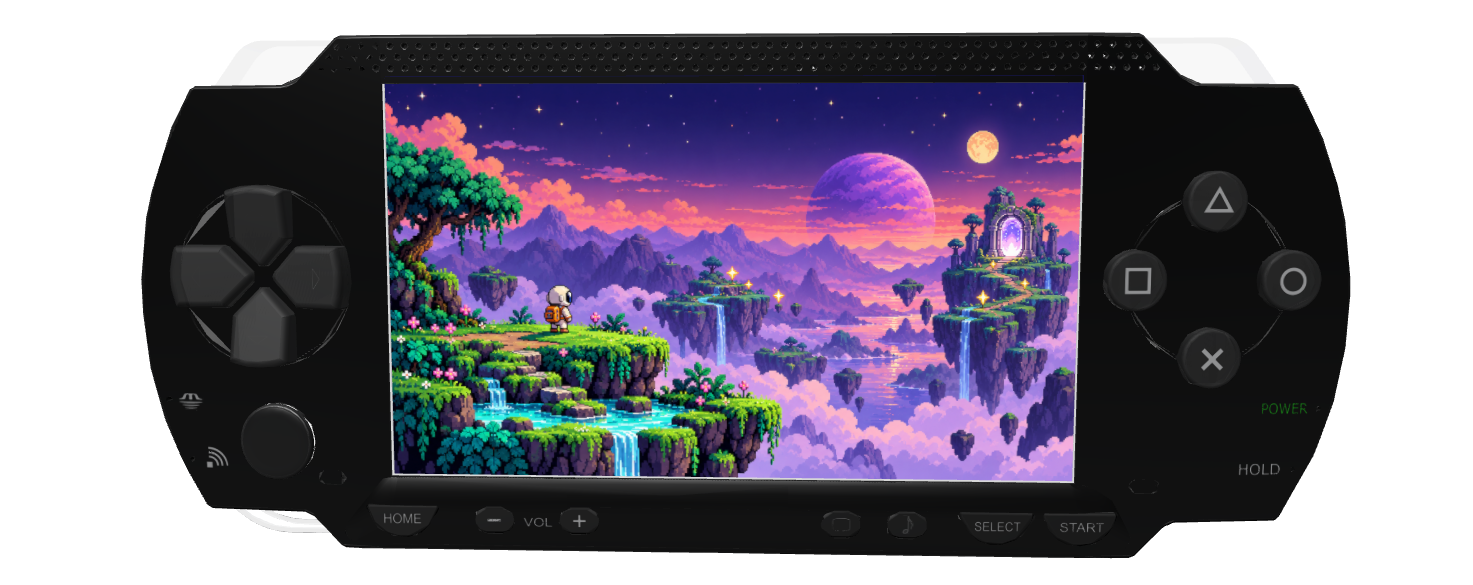

Drag to explore the hardware
GUI concepts · sample data. Device firmware and input support vary by model.
Build a game. Design a GUI app. Give your hardware a new purpose.Create with AirBuild and PocketJS, run on your device, then share your build.
POCKETJS
PocketJS is a lightweight runtime for apps and graphical interfaces written in TypeScript. Its native UI core brings components, layout, and interaction to handhelds, phones, desktop, web, and embedded hardware such as M5Stack Tab5.
Explore PocketJS
Runs your app.
Components, controls, and animation, rendered by a compact native core.
Helps you bring it to life.
Describe your game or GUI app to Pocket Boy, then build, test, and prepare it for your target hardware.
01 / MEET YOUR BUILDING PARTNER
Add Pocket Boy to your AirBuild organization. Describe a game, a touch dashboard, or a tool for your desk. Pick your target hardware, then work together on the interface, interactions, and a build you can run and share.

PocketJS games & GUI apps
Added to your organization
START BUILDING WITH POCKET BOYBring the agent into your AirBuild organization.
Share your idea and choose a supported device.
Create your PocketJS app, run it on your device, and refine how it feels.
“@Pocket Boy, build a desk dashboard for my M5Stack Tab5. Start with a clock, room temperature, and a large light control.”
INTERACTIVE DEMO
Drag the cartridge onto the handheld, or tap to start.
Your handheld is ready.
02 / FROM PREVIEW TO DEVICE
A jump on a handheld. A tap on a control panel. Build for your device and try the interface on real hardware. Refine the layout and controls with AirBuild until every interaction feels right.
Match the project to a supported PocketJS target.
Create its native package and transfer it using that device’s installation workflow.
Test on the hardware, send feedback to your AI team, and build the next version.
Installation depends on the target: classic devices need their platform setup; embedded boards need compatible firmware and display/input drivers.
03 / PICK YOUR HARDWARE
Make a pixel adventure, a desk dashboard, or a custom control panel. Reuse your app logic and adapt the layout, input, and build for each supported target.
PSP · PS Vita
Retro & modern iPhone
M5Stack devices · ESP32-P4 / S3
macOS · Browser
04 / YOUR NEXT RELEASE
Share a build for supported hardware, or prepare a modern iOS edition for the App Store. AirBuild helps with packaging, screenshots, store copy, and review submission. Choose your price for a game or app people can make their own.
The App Store version is a separate, signed build for supported modern iOS devices. Publication requires your Apple Developer account and App Review approval.
ILLUSTRATIVE STORE LISTING

A small astronaut. A big adventure.
Your price AirBuild × PocketJS
A workspace, a team, and the tools to build games and GUI apps with PocketJS.
$9.99/ month
USDINCLUDED IN YOUR PLAN
Pocket Studio access included with your subscription.
A place to build and run your PocketJS projects.
Prepare a build for each supported platform.
Give your workspace the co-branded arcade look.
Build games and hardware interfaces with agents who know PocketJS.
AI model tokens are not included in the subscription. You supply your own.
Make something fun. Make something useful. Give it a screen.
Start with AirBuild