
Submit
Prepare the build, metadata, screenshots, and review notes—then submit automatically.
 AirBuild
 AI agents to build your app and handle App Review.
Build the app.
 AirBuild handles App Review.
Specialized agents submit, respond, fix,
and resubmit—automatically.
Join the waitlist. Early access is limited.
AirBuild submits your app, responds to Apple, fixes rejection issues, and resubmits—without waiting for manual handoffs.
ACTIVITY
 AirBuild fixed the issue
 AirBuild is fixing the issue
No manual handoffs. No lost feedback.
No stalled resubmissions.
Prepare the build, metadata, screenshots, and review notes—then submit automatically.

Read Apple’s feedback and reply directly through App Store Connect.

Route each issue to the right agent and update the app, metadata, or supporting information.

Send the next version back for review as soon as the fix is ready.


Tell AirBuild what you want to make.
Each agent has a specialty, shares your project context,
and passes work to the next teammate.
CHOOSE YOUR TEAM
 JamieProduct · Ready
 MayaDesign · Working
 EliEngineering · Ready
 CaseyGrowth · Online
 SamMarketing · LocalJamieProduct · LocalMayaDesign · Local
Switch anytime. The same brief and project context move with you.
ONE SHARED BRIEF
ONE AGENT, EVERY PROJECT
Today 12:31 PM
THE TEAM KEEPS GROWING
Review, iterate, and ship
from your phone.
No laptop. No office.
If you have a signal, you have a studio.

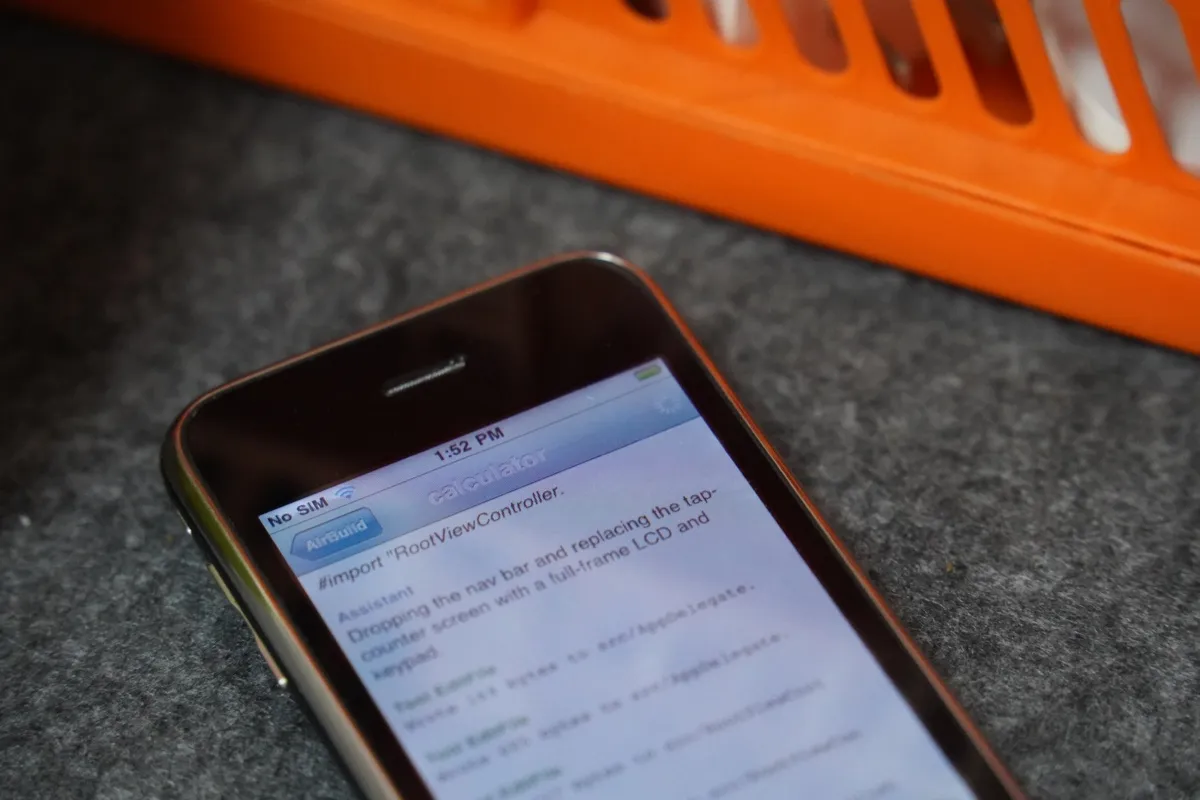
A classic iPhone. A new way to build. Turn today's ideas into apps on the phone that started it all.
Track daily units and 7- and 30-day totals on desktop or iPhone.
Last 7 Days
500 Units
Last 30 Days
1,506 Units
Track keyword rankings and use AI to refine your App Store listing in one place.
Manage tester groups, send TestFlight invites, and track build distribution from AirBuild.
Internal Testing

External Testing
Feedback
Crashes
Screenshots
Complete and manage every detail your app needs before submitting to the App Store.
 Hands Time com.time.JustTime
 Turn your app details into a polished, shareable website—ready in minutes.
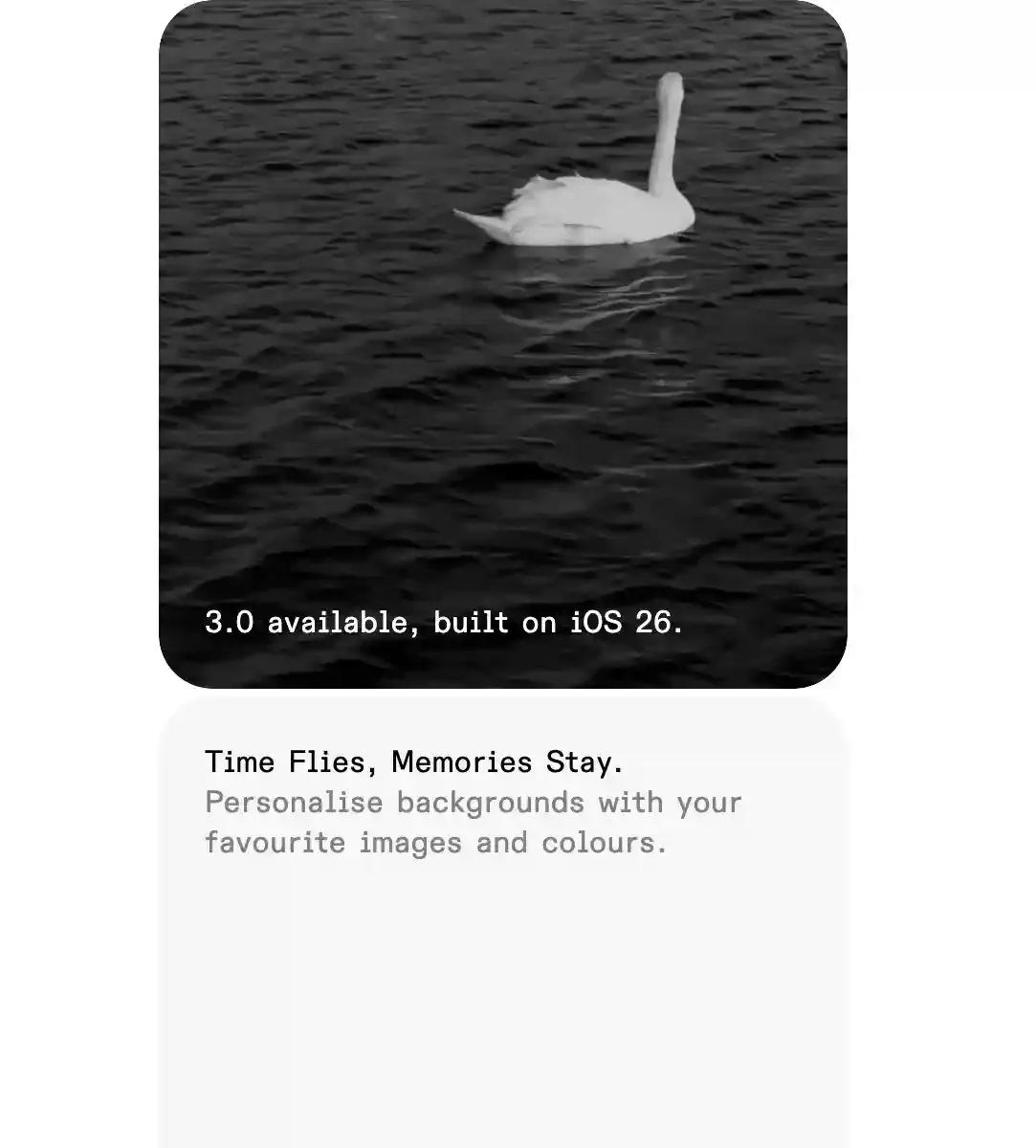
Time Flies, Memories Stay.Personalise backgrounds with your favourite images and colours.
$0USD
Start with your own key
Join the waitlistAPI usage billed by your provider
$20USD
Build, launch, and automate App Review
Join the waitlistEverything in Free, plus:
For individual builders
$200USD
More capacity. More projects.
Join the waitlistEverything in Pro, and:
For builders running multiple projects
Built around your studio
$2,000+USD
Contact usA few things to know before you start.
You can start with an idea instead of code. Describe what you want to make, and AirBuild’s product, design, and engineering agents help turn it into an app.
AirBuild focuses on native iOS apps, with tools to create a landing page for your app too. Work with your AI team to shape the screens, build features, and refine the result.
AirBuild for iPhone requires iOS 26 or later. AirBuild for Mac requires macOS 26 or later.
Yes. You can review work, request changes, and keep your app moving from your phone.
You can run your team on your Mac or in the cloud. Your brief and project context stay with you when you switch.
Both Pro ($20) and Max ($200) include the full App Review workflow: prepare your App Store listing, submit your app, track the review, reply to feedback, fix issues, and resubmit.
The Free plan uses an API key from your own AI provider. That provider bills you for your API usage. If you also have a subscription, AirBuild uses your included token allowance first, then switches to your BYOK key once that allowance is used up.
Free lets you start with your own key. Pro adds included model usage, TestFlight delivery, and the full App Review workflow. Max includes the same review automation with more capacity and support for multiple projects. Enterprise offers custom resources and shared seats for studios.
Describe your app and select Start to join the waitlist. Leave your email on the next page, and we’ll let you know when your invite is ready.
Yes. AirBuild can deploy and host your website even if you don’t have a domain. If you already own a domain, you can connect it to the website we host using a CNAME record. You can also give your agent team an existing website project and have them deploy it through your project’s CI pipeline.
Yes. AirBuild provides a container platform for backend services, currently available only in the United States. You can ask your agent team to deploy databases and backend services on our platform. This service is free during testing. If you want to self-host after testing ends, we’ll provide a project export with a Cloudflare-compatible deployment setup.