
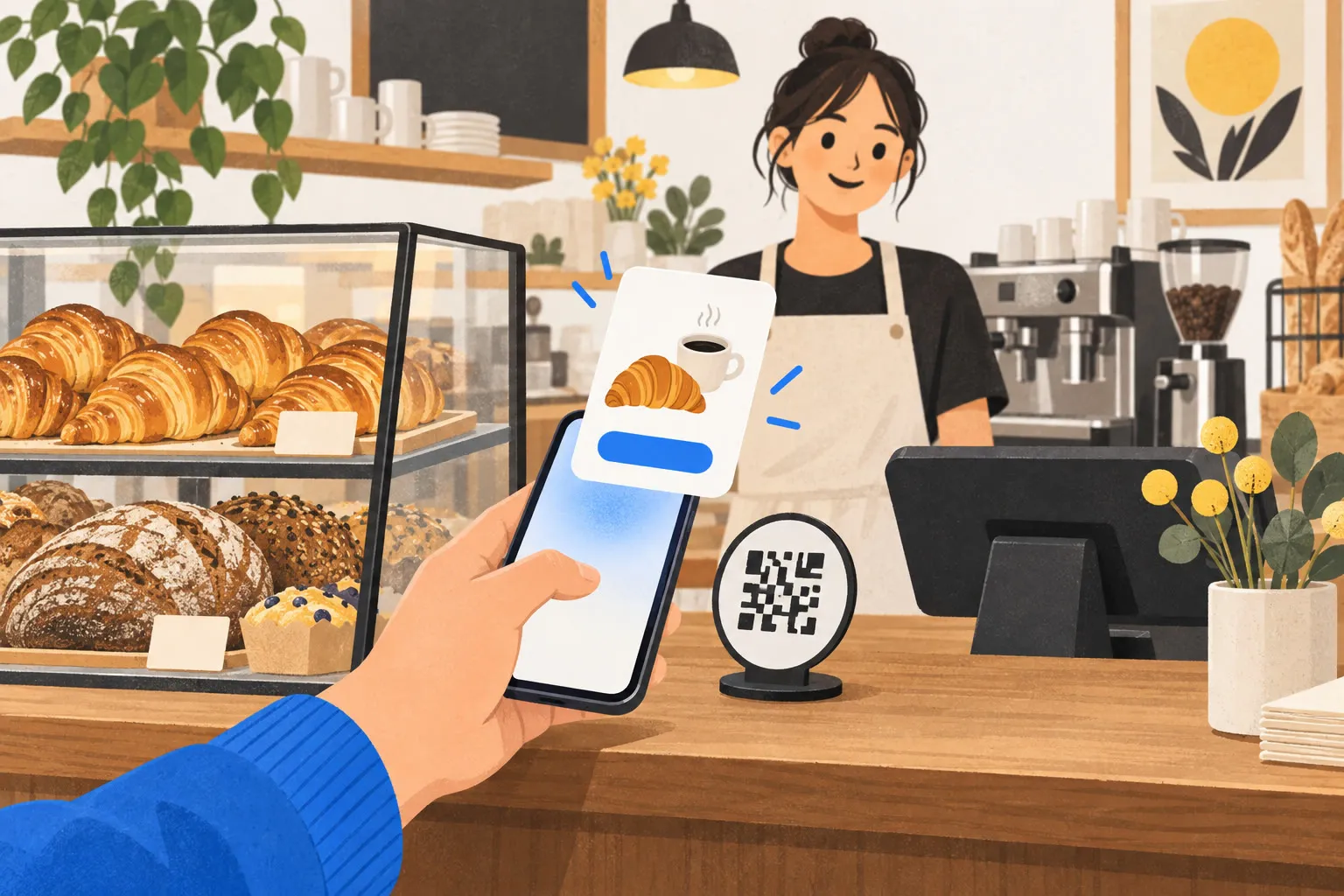
It’s 8 a.m. at Little Oven and there’s a queue at the counter. A customer taps her phone on a small round code next to the till, and a card slides up from the bottom of her screen: Little Oven, today’s bakes.
She picks a croissant and a flat white, pays with Apple Pay, takes her paper bag and leaves. It takes under half a minute, and nothing new was installed on her phone.
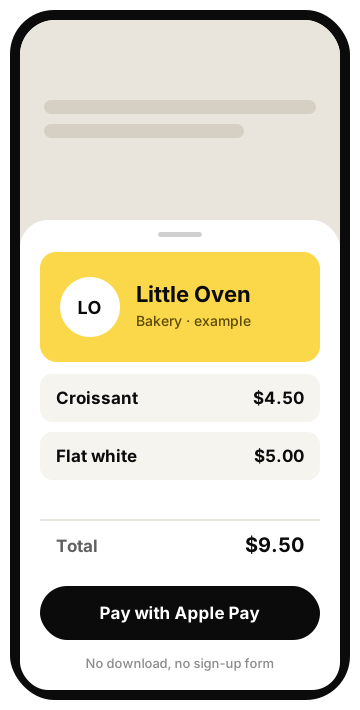
That card was an App Clip.
The shops in this article are examples.
One picture: the takeaway window and the dining room
An App Clip is the takeaway window at your shop.
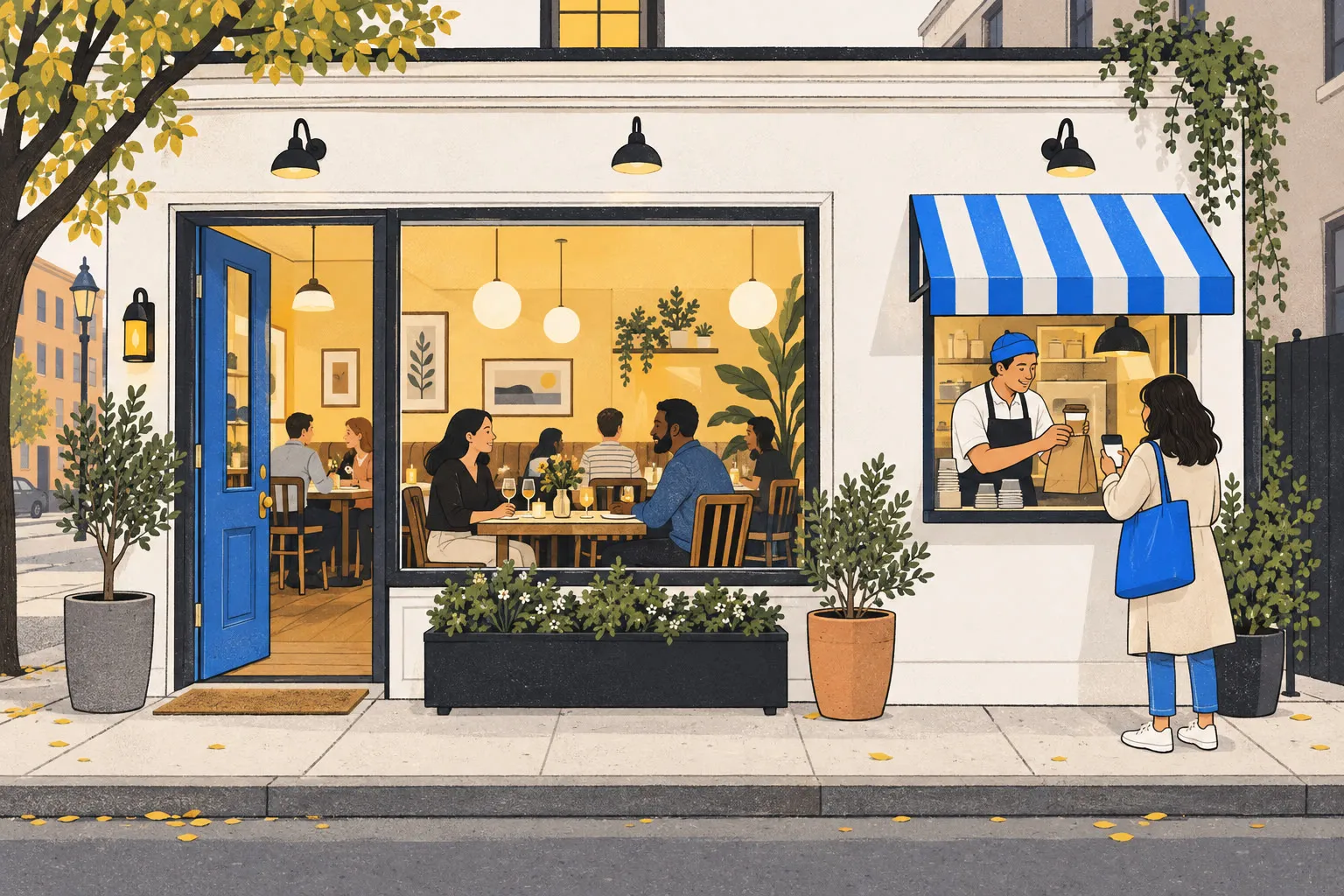
Your full app is the dining room. People open the door, find a seat and take their time with the menu. Plenty of people will come in, but plenty more are just passing by in a hurry.
The App Clip is the window next to the door. Walk up, order, pay, leave, no need to go inside. If they liked it, the dining room door is right there for next time.
That matters for a small shop: nobody downloads an app to buy one coffee, but almost everyone will tap their phone.
Where customers find it
Customers don’t search for it. It shows up where they need it.
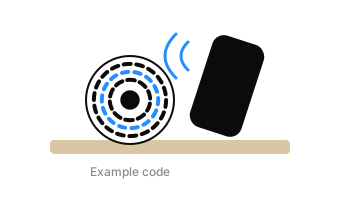
The round code on your counter
Tap it or scan it. It’s called an App Clip Code, and Apple designs how it looks.
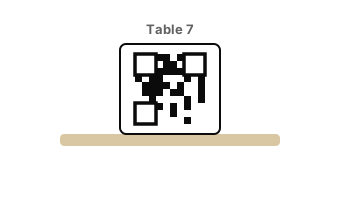
A QR code on the table or menu
At Kiyo Noodle Bar, guests scan the code on the corner of the table and order from their seat, without waiting for a server.
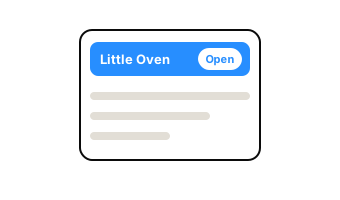
A banner on your website
When customers open your website on an iPhone, a banner appears at the top. One tap opens the App Clip.
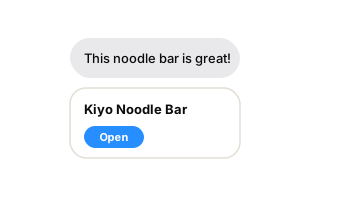
A message from a friend
A friend sends it in Messages, and one tap opens it.
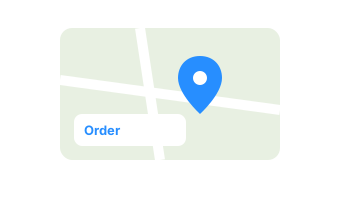
Apple Maps
Customers find your shop on the map, and its card has a button such as “Order”.
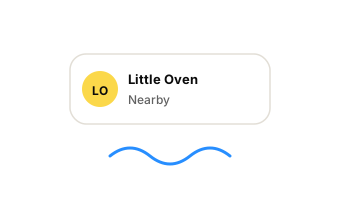
Siri suggestions
If lots of people use it near your shop, the iPhone may suggest it as customers get close.
To be straight with you: the round code and Maps take a little extra setup. A QR code is the easiest start. Print it, stick it on the table, done.
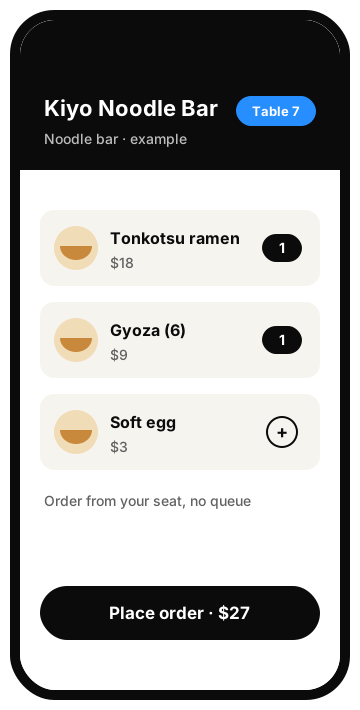
Three things it does in those few seconds
An App Clip does only what matters most, and for a small shop these three are plenty.
Pay. With Apple Pay, a double-click and it’s paid. No card number to type.
Sign in. When you need to know who the customer is, one tap on Sign in with Apple does it. No form, no password.
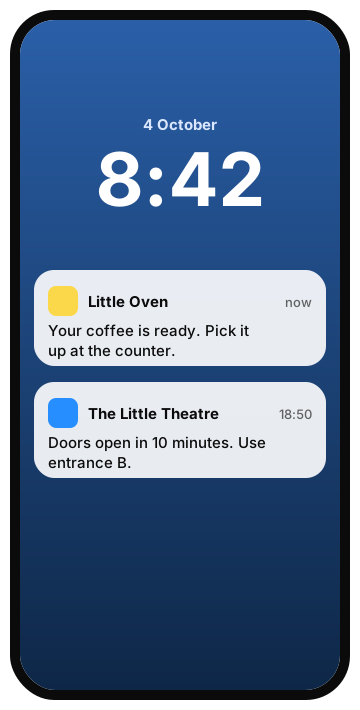
Send a note. For up to 8 hours after they open it, you can send customers a note: “Your coffee is ready.” At The Little Theatre, ticket holders get “Doors open in 10 minutes.” Customers who don’t want notes can switch them off with one tap on the card.
Afterwards: from walk-in to regular
The App Clip is the first visit. Your full app is where regulars live.

If a customer doesn’t use it again, the App Clip disappears from their phone by itself after a while. They never have to delete it.
If they like it, one tap gets them your full app. Once it’s installed, the full app takes the App Clip’s place, and next time they tap the code on your counter, the full app opens.
As we say on our small business page: websites get visits, apps get regulars. The App Clip is how a passer-by walks in for the first time.
Customers can use it with peace of mind
Apple keeps App Clips on a short leash, so customers don’t have to worry about privacy. An App Clip can’t track them, can’t keep reading their location, can’t see their photos or contacts, and can’t run in the background.
What you need as a shop
Not much, but three things are a must.
- A full app on the App Store. An App Clip always comes with a full app. It’s a small part of that app.
- An Apple developer account, paid yearly.
- Something to print: the App Clip Code or a QR code, for your counter, tables or window.
AirBuild’s agents can build both, the full app and its App Clip, and take them through Apple’s review for you.
What it can’t do
Here are the limits up front, so you don’t prepare for the wrong thing.
- It’s for iPhone only. Customers with Android phones can’t open an App Clip; point them to your website to order.
- The round code and Maps take an extra step. If you just want to try it, start with a QR code.